Facebook Risk Payment: Why Your Ads Keep Getting Blocked

If you have ever run Facebook ads, you have probably had that mini heart attack when the “Risk Payment” message pops up. One second your campaign is live, the next it is frozen like Facebook just caught your card trying to sneak into VIP without a wristband.
Annoying? Absolutely. But you are not the only one, and no, it is not some personal vendetta from Zuckerberg’s basement. It is just Facebook’s payment system being… well, Facebook. So let us unpack what this “Risk Payment” thing really means, why it happens, and how you can deal with it before it ruins another launch.
What Is “Risk Payment” Anyway?
In plain English, it is Facebook saying: “This payment does not look right. Better block it before fraud sneaks in.”
Think of it like the overly suspicious bouncer at a club. Your ID is fine, but maybe the lamination looks a bit off, so you are turned away before you even order a drink. The frustrating part is that even if you are 100 percent legit, Facebook’s system does not really care.
And when that flag goes up, your ad account can get restricted or even permanently banned. For a small business or agency that depends on ads for revenue, that is not just annoying, it is business threatening.
Why Does Facebook Trigger Risk Payment?
Here are the usual suspects (and yes, some of them are embarrassingly simple):
Insufficient Funds
Your card just does not have enough balance. If Facebook tries to charge ₦50,000 and you only have ₦30,000, the system pulls the plug instantly.
🛠️ Fix: Keep your card loaded. Obvious, but it is surprisingly the number one culprit.
Wrong or Expired Card Details
A mistyped CVV, an expired card, or outdated billing info. Any of these can block you.
🛠️ Fix: Double check everything. If you are tired of typing the same details every time, a clean virtual card can save you.
Geo Mismatch Your billing address says New York but your bank is in Nigeria. To Facebook, that screams fraud. Fix: Match your billing country with your card country or use a card that does not trip over borders.
Untrusted BIN
Every card has a BIN (Bank Identification Number). Some are blacklisted because scammers abused them in the past. If your card falls in that bucket, tough luck.
Fix:
Stick with providers whose BINs Facebook actually trusts. For instance, Myaza’s BINs pass Facebook checks without drama.
Bank Declines
Some banks just hate international transactions. They see “Facebook Ireland” and slam the brakes, even when you have funds.
Fix:
Fintech cards are usually safer for global platforms. Banks were built for local transfers, not digital ads.
Why This Stings More Than It Should
Picture this. You have spent days tweaking ad copy, shooting content, and fine tuning targeting. Everything is ready to go. Then, right when traffic is about to flow, payment failure.
Not only do your ads stop, your entire funnel collapses. Meanwhile, competitors keep running, eating into the audience you prepped for. And the worst part is that Facebook rarely explains beyond a cold “Risk Payment, account restricted.” Not exactly customer friendly.
How Do You Actually Beat It?
Here is the part Facebook will not tell you. The issue is not you, it is the card.
If you are still using old school bank cards for international ads, you are basically playing the game on hard mode. What you actually need is a card that is:
Accepted globally (Facebook, Google, TikTok, etc.)
Easy to fund in your local currency
Transparent with fees so you are not guessing
That is where Myaza comes in.
Myaza to the Rescue
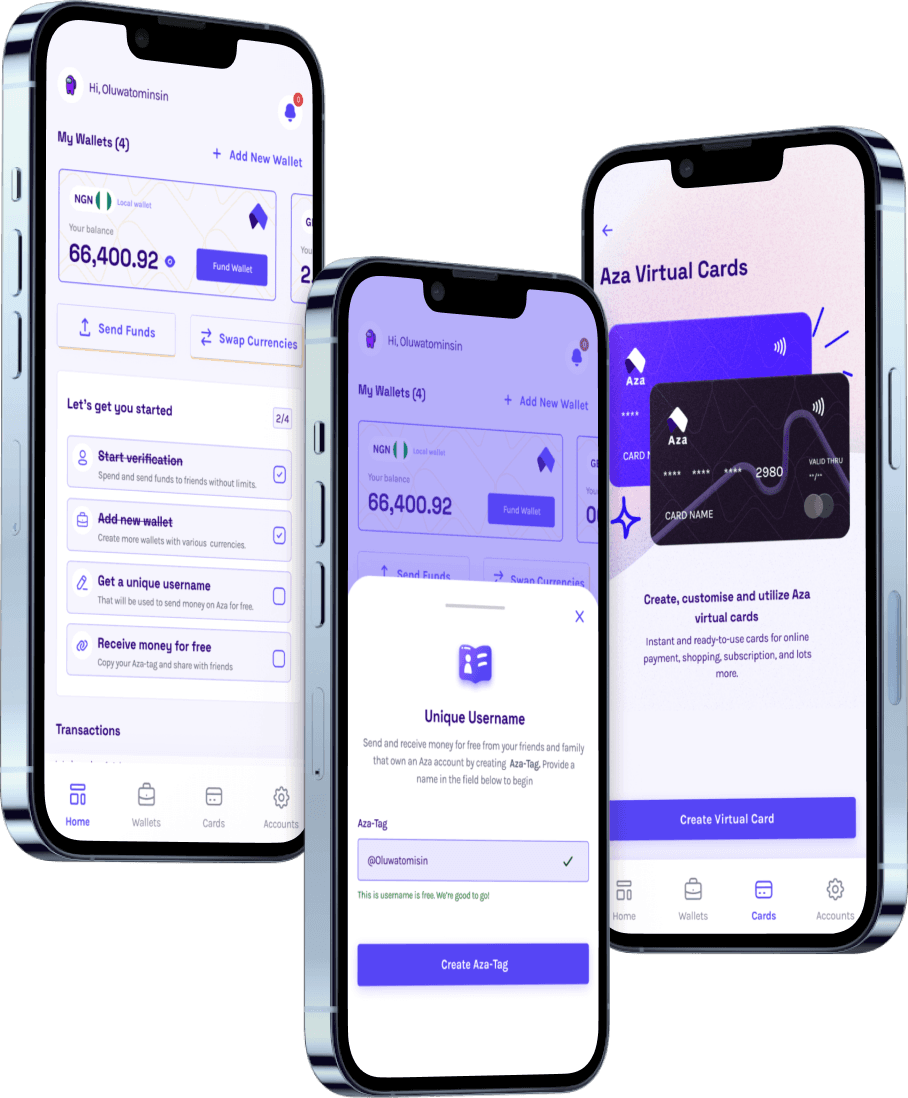
Myaza gives you a USD virtual card built specifically for online ads and global payments. Here is why people switch:
No random blocks:
Cards are optimized for platforms like Facebook, so payments go through without drama.
Quick funding:
Top up in naira, swap to USD instantly, done.
Trusted BINs:
No blacklisted numbers that trigger Facebook’s alarms.
One card, multiple uses:
Ads, Canva Pro, Netflix, whatever you need, you are covered.
Instead of stressing about payments, you get to focus on running your business.
The Bigger Picture
Risk Payment is not really about you being suspicious. It is about global fraud systems being extra strict, and unfortunately, small businesses in places like Africa get caught in the crossfire.
But that is also the gap fintech is stepping into. Because at the end of the day, money should not be this hard.
TL;DR (for the skimmers)
Risk Payment
= Facebook blocks your card because it thinks it is suspicious.
Triggers:
low funds, wrong details, geo mismatch, shady BINs, or banks blocking international charges.
Fix:
stop depending on traditional bank cards.
Myaza:
USD virtual card that works smoothly with Facebook Ads and beyond.
Ready to stop fighting Risk Payments and just get your ads running?
Download Myaza, set up your USD card in minutes, and focus on growth instead of payment drama.
Because honestly, ads failing because of a CVV typo should not be the reason your business stalls.